
BLOG
Guides for family-friendly WordPress sites
How to give every family member their own profile, progress and purchases, with walkthroughs for the membership, course and store plugins you already use.
-
Gravity Forms Family Registration: Entries for Each Child
Let parents register each child with Gravity Forms from one login, with the child’s name pre-filled and every entry saved under that child.
-
Event Tickets for Families: A Ticket for Each Child
Let parents reserve event spots for each child from one login, with a separate attendee record and My Tickets page per child. Tested with Event Tickets 5.31.
-
Ultimate Member Family Accounts: A Profile for Every Child
Give every child their own Ultimate Member profile and account details while the parent keeps one login. Tested with Ultimate Member 2.14.
-
How to Build a Family-Friendly Social Network on WordPress (BuddyPress, BuddyBoss and More)
Plan a WordPress community where kids take part under a parent’s account: a separate BuddyPress or BuddyBoss profile for every child, oversight for parents, and less data to look after.
-
How to Let Users Upload Their Own Avatar in WordPress (and When You Should Not)
WordPress ships no way for a user to upload a profile picture. Here are the three ways to add one, what each actually costs you, and the kinds of site…
-
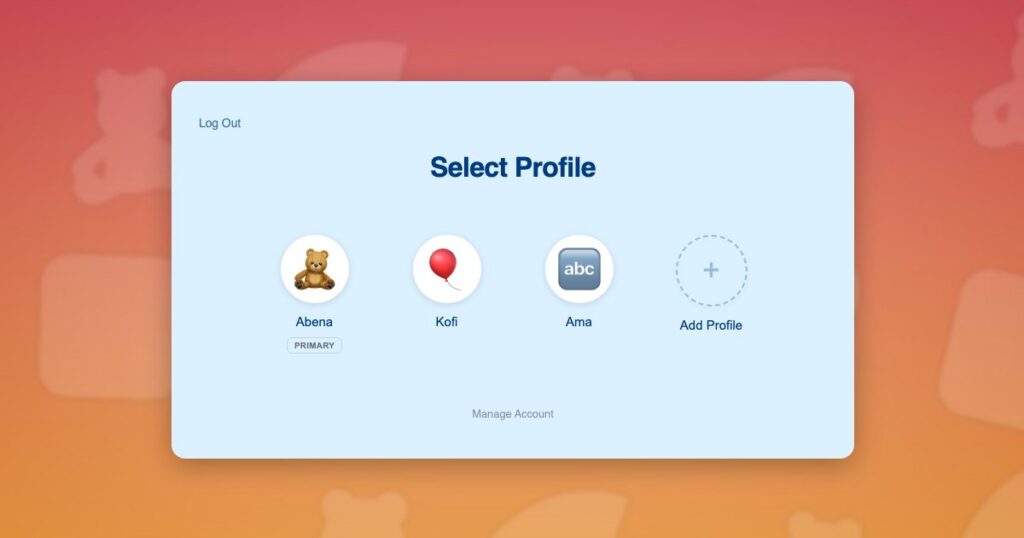
Kid-Safe Profile Pictures: Why You Should Not Let Children Upload Their Own
An upload button next to a child’s name looks harmless and is not. Here is what actually goes wrong, where those pictures end up appearing, and how to give children…
-
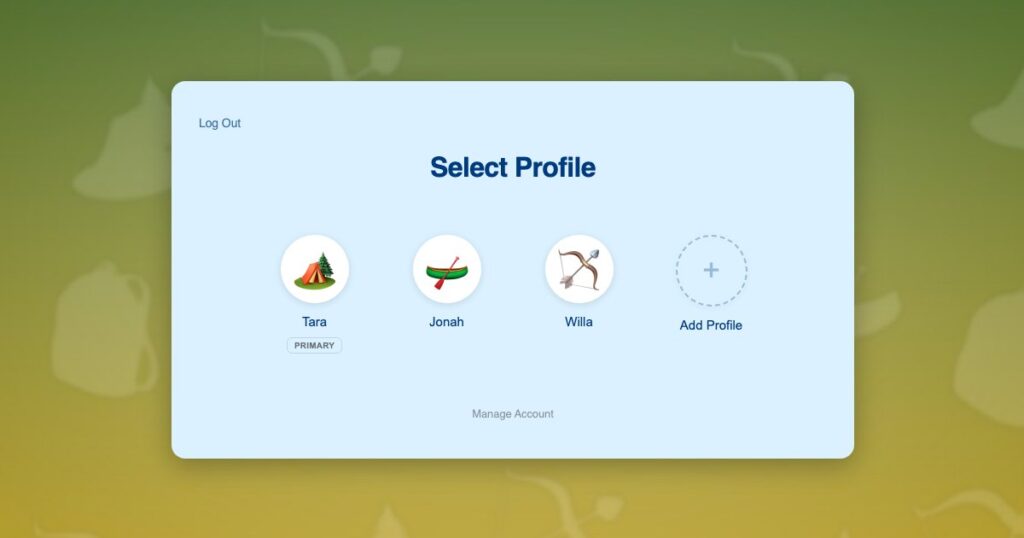
How to Register Multiple Children for Camp Without Separate Logins
A parent with three campers should not need three accounts. Here is how to let one login register multiple children for camp, each with their own record and their own…
-
How to Build a Summer Camp Registration Form in WordPress
What a summer camp registration form has to collect, the four ways camps build one in WordPress, and how to give every camper their own record instead of a repeater…
-
COPPA and WordPress: How to Give Kids Accounts Without Collecting Their Data
What the COPPA Rule requires of a WordPress site with users under 13, and how parent-owned accounts with child profiles remove most collection points.
-
WordPress User Switching vs Profile Switching: Which One Do You Need?
The User Switching plugin lets admins log in as other users. Profile switching lets members switch between their own family profiles. Which do you need?
-
Family Accounts for Family-Friendly Minecraft Servers and Kids’ Gaming Communities
Run a family-friendly Minecraft or kids’ gaming community site where siblings post and rank under their own names while a parent owns the login.
-
Family Profiles for Kids’ Video and Story Membership Sites
Give a kids’ video or story membership site real Netflix-style profiles: per-child watch history, favorites and age filters under one parent login.
ProfileSwitch
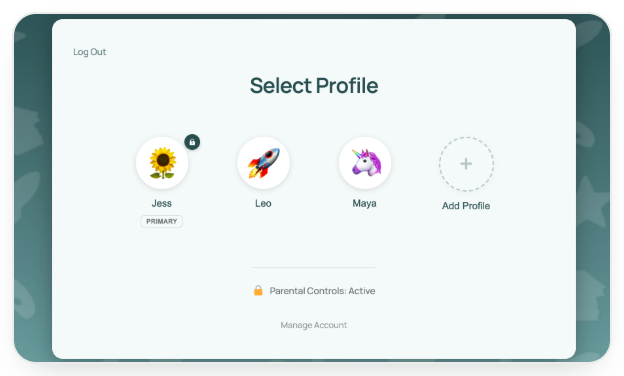
Family profiles for your WordPress site
One login for the family, with separate progress and purchases for every child. Works with the membership, course and store plugins you already use.